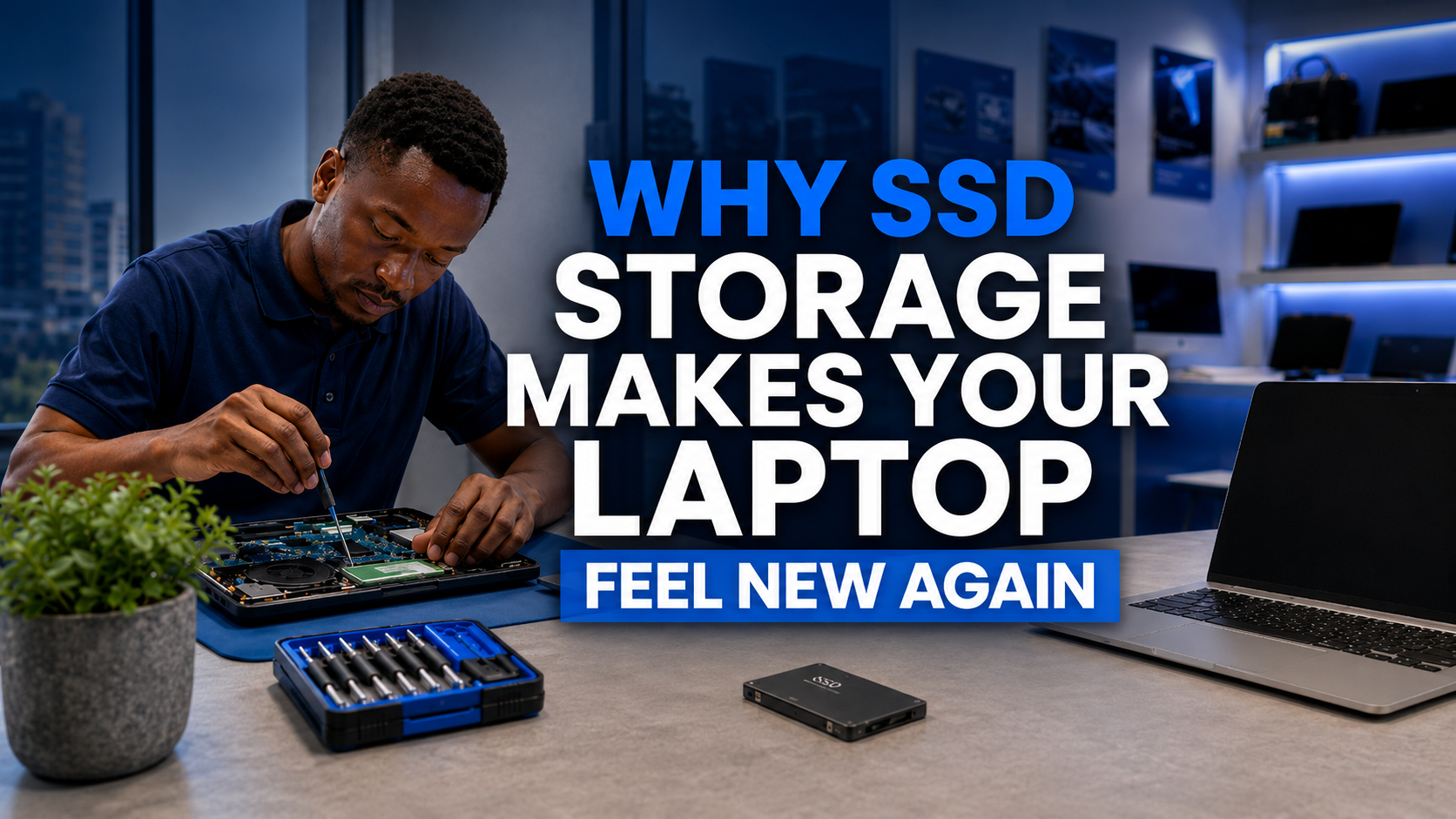
Why an SSD Makes Your Laptop Feel New Again
If your laptop takes minutes to start and freezes when you open apps, the problem is often the hard drive. Here is how an SSD upgrade fixes it, and what it costs you in time and money.
On this page
- Quick Answer: Will an SSD Make My Laptop Faster?
- Why Hard Drives Make Laptops Slow
- Signs Your Laptop Needs an SSD
- What Changes After an SSD Upgrade
- SATA or NVMe: Which SSD Fits Your Laptop?
- How Much Storage Should You Get?
- When an SSD Will Not Fix the Problem
- Will I Lose My Files?
- SSD and RAM Upgrades
- Questions Buyers Ask
- Get Help Choosing
Does your laptop take ages to start? Does it freeze for a few seconds every time you open Word or Chrome? Does the disk show 100% in Task Manager? You may not need a new laptop at all.
In many cases, the slow part is an old hard drive (HDD). Replacing it with an SSD is one of the cheapest, most noticeable upgrades you can make.
Quick Answer: Will an SSD Make My Laptop Faster?
Yes, if your laptop still uses a hard drive (HDD). An SSD typically makes it start in seconds instead of minutes, opens apps much faster and stops the constant freezing. If your laptop already has an SSD, adding RAM or cleaning up software may help more. An SSD upgrade costs far less than a new laptop and your files can be moved over.
Is your laptop painfully slow? Send us your laptop model, and we will tell you which SSD fits and whether an upgrade will fix your problem.
- ✔ Physical shop in Nairobi CBD
- ✔ Warranty on every product
- ✔ Test before you pay
- ✔ M-Pesa, same-day Nairobi delivery
Why Hard Drives Make Laptops Slow
A hard drive stores data on a spinning disk with a moving arm, a bit like a record player. Every time Windows or an app needs a file, the arm has to physically find it. An SSD has no moving parts and reads data electronically, so it can be many times faster, especially when opening lots of small files, which is exactly what Windows does all day.
Signs Your Laptop Needs an SSD
- It takes more than a minute or two to start.
- Task Manager often shows Disk at or near 100%.
- Apps freeze for a few seconds when you open them.
- Windows updates take forever.
- You hear clicking or grinding noises (a failing hard drive, back up now).
To check what you have, open Task Manager, go to Performance and click on your disk. It will say SSD or HDD.
What Changes After an SSD Upgrade
| With a hard drive | With an SSD | |
|---|---|---|
| Starting Windows | Often a minute or more | Usually seconds |
| Opening apps | Slow, with freezing | Quick and smooth |
| Durability | Sensitive to knocks and drops | No moving parts, more shock-resistant |
| Noise and heat | Spinning noise, more heat | Silent, cooler |
| Battery | Uses more power | Uses less power |
SATA or NVMe: Which SSD Fits Your Laptop?
- 2.5-inch SATA SSD: replaces a standard laptop hard drive directly. Fits most older laptops.
- M.2 NVMe SSD: a small stick that is even faster. Fits most laptops from around 2017 onwards that have an M.2 slot.
Not sure? Send us your laptop model and we will check which one fits. Some laptops have both, so you can keep the old hard drive as extra storage.
How Much Storage Should You Get?
- 256GB: enough for Windows, Office and documents if you use cloud storage.
- 512GB: the sweet spot for most people, with room for photos, music and apps.
- 1TB: for videos, large projects, games or design work.
Is your laptop painfully slow? Send us your laptop model, and we will tell you which SSD fits and whether an upgrade will fix your problem.
- ✔ Physical shop in Nairobi CBD
- ✔ Warranty on every product
- ✔ Test before you pay
- ✔ M-Pesa, same-day Nairobi delivery
When an SSD Will Not Fix the Problem
- Very little RAM: with 4GB RAM, Windows 11 will still struggle. Add RAM too (8GB minimum, 16GB ideal).
- A very old processor: laptops older than about 6th Gen Intel may still feel slow, and cannot run Windows 11 officially. A refurbished newer laptop may be better value.
- Overheating: dust and dried thermal paste can slow a laptop down. Cleaning helps.
- Malware or too many startup apps: a clean Windows install can make a big difference.
Will I Lose My Files?
No, if it is done properly. Your files, programs and Windows can be copied from the old drive to the new SSD (cloning), or Windows can be installed fresh and your files moved across. Always keep a backup of important files before any upgrade.
SSD and RAM Upgrades
Shop These Picks
 Replaces old hard drives
Dahua 256GB SATA SSD
2.5-inch SATA · fits most older laptops
New · 1-year warranty
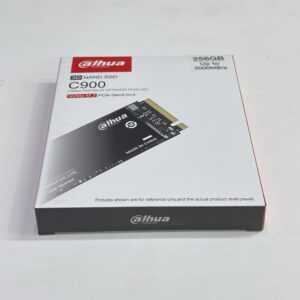 Faster M.2 upgrade
Dahua 256GB NVMe SSD
M.2 NVMe · for laptops with an M.2 slot
New · 1-year warranty
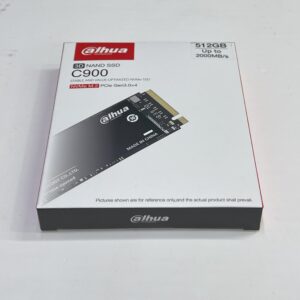 Best value storage
Dahua 512GB NVMe SSD
M.2 NVMe · 512GB · room for photos and apps
New · 1-year warranty
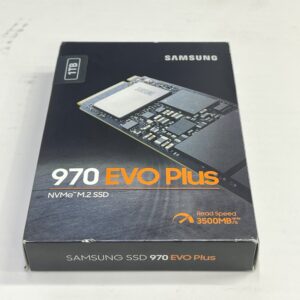 Premium speed and space
Samsung 970 EVO Plus 1TB
M.2 NVMe · 1TB · up to 3,500MB/s
New · 1-year warranty
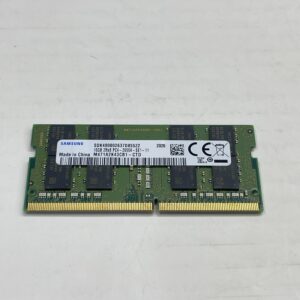 Pair with more RAM
Samsung 16GB DDR4 Laptop RAM
DDR4 2400MHz SO-DIMM · smoother multitasking
New · 1-year warranty
Questions Buyers Ask
How much faster is an SSD than a hard drive?
In daily use, a laptop with an SSD usually starts in seconds instead of minutes and opens apps much faster. It is the most noticeable upgrade for an older laptop.
Will an SSD work in my old laptop?
Most laptops with a 2.5-inch hard drive can take a SATA SSD, and many newer ones have an M.2 slot for NVMe. Send us your model and we will confirm.
Do I lose my files when upgrading to an SSD?
No, if done properly. Your data can be cloned to the new SSD or moved after a fresh Windows install. Keep a backup first.
Should I upgrade RAM or SSD first?
If your laptop has a hard drive, upgrade to an SSD first. If it already has an SSD but slows down with many apps open, add RAM.
How long does an SSD last?
A good SSD typically lasts many years of normal use, often longer than the laptop itself.
Is NVMe better than SATA SSD?
NVMe is faster, but both are a huge improvement over a hard drive. The right choice depends on what your laptop supports.
Can you install the SSD for me?
Yes. Bring your laptop to our Nairobi CBD shop or talk to us on WhatsApp to arrange the upgrade.
Get Help Choosing
Send us your laptop model and tell us what feels slow. We will tell you whether an SSD, more RAM or a newer laptop is the best fix for your budget.
- Visit: Shop H29, 2nd Floor, Superior Centre, at the junction of Kenyatta Avenue and Kimathi Street, Nairobi CBD.
- Opening hours: Monday to Saturday, 8:00 AM to 7:30 PM.
- WhatsApp or call: +254 720 635 023
- Shop online: browse products and today’s prices