Why a Good Monitor Can Change How You Work in Kenya in 2026
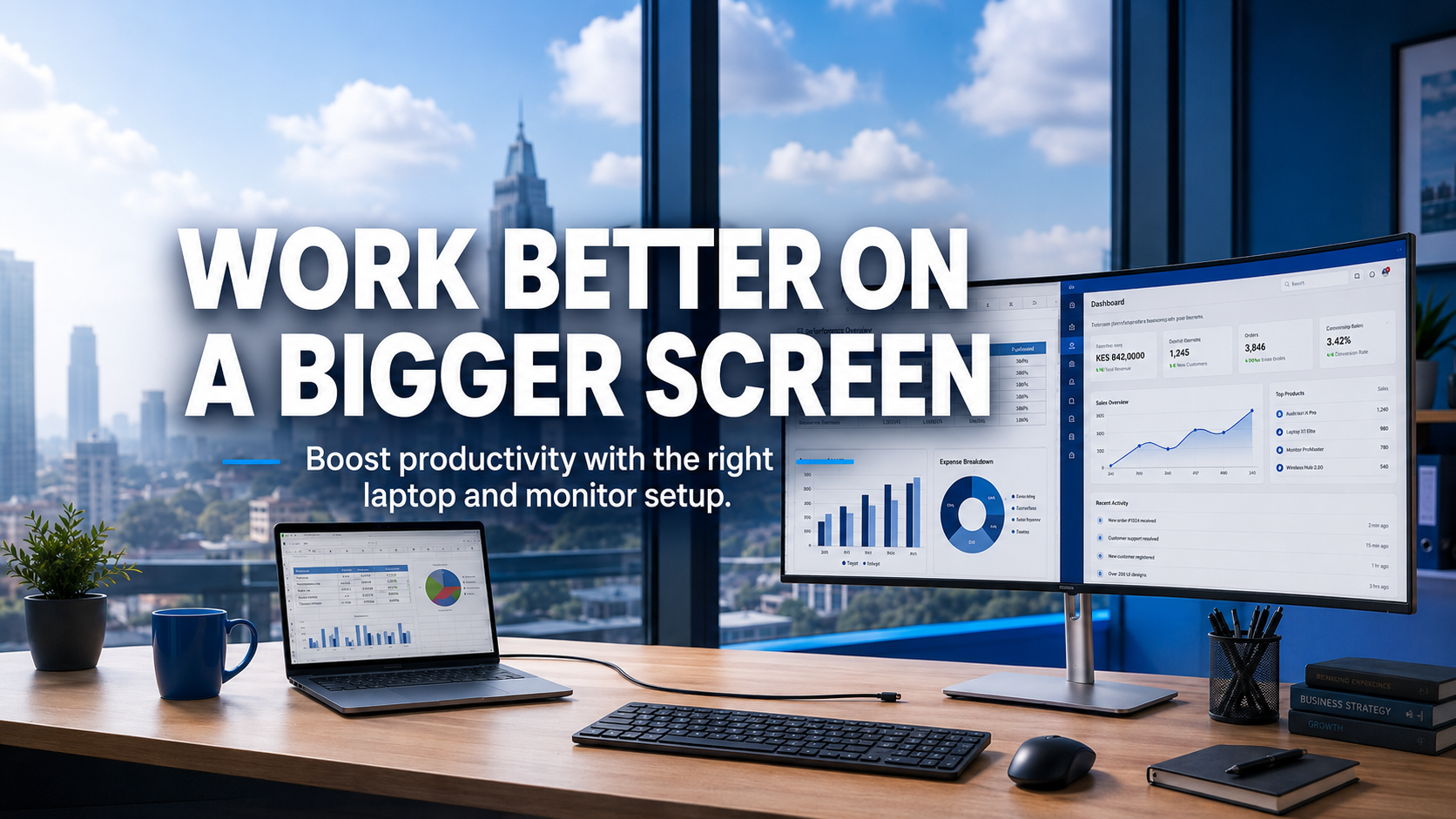
If you spend hours hunched over a laptop screen, a good monitor may be the best upgrade you ever make. Here is how to choose the right one for your work.
On this page
If you work on a laptop all day, you probably know the feeling: a stiff neck, tired eyes and constantly switching between windows because the screen is too small. A good monitor fixes all three, and it often costs less than a phone.
This guide explains what a monitor can do for your work and how to choose one without getting lost in the specs.
Quick Answer: Is a Monitor Worth It?
Yes, if you work at a desk for more than a couple of hours a day. A 24-inch Full HD IPS monitor at eye level reduces neck and eye strain and lets you see two documents side by side, which makes most office work faster. For spreadsheets, design or coding, a 27-inch QHD monitor gives even more space.
Not sure which monitor fits your setup? Tell us your laptop or PC model and what you do, and we will suggest a monitor that connects easily and suits your work.
- ✔ Physical shop in Nairobi CBD
- ✔ Warranty on every product
- ✔ Test before you pay
- ✔ M-Pesa, same-day Nairobi delivery
What a Monitor Does for You
- Better posture: raising the screen to eye level stops you looking down at a laptop all day.
- More space: put a document and a browser, or Excel and email, side by side.
- Less eye strain: bigger text, a brighter screen and less squinting.
- Faster work: less clicking between windows. Accounts, admin and design staff notice this immediately.
- A home office that feels professional: great for video calls and long remote workdays.
Which Size Should You Choose?
| Size | Best for |
|---|---|
| 22-inch | Small desks, reception, basic office work |
| 24-inch | The sweet spot for most office and home workers |
| 27-inch | Spreadsheets, design, coding and multitasking, ideally with QHD resolution |
| 32-inch | Large desks, video editing, watching content |
| 15.6-inch portable | A second screen you can carry with your laptop |
Specs That Matter (and Ones That Do Not)
- Resolution: Full HD (1920 x 1080) is right for 22 to 24-inch. QHD (2560 x 1440) looks much sharper at 27-inch. Avoid HD (1366 x 768) or HD+ for office work.
- Panel type: IPS gives the best colours and viewing angles. VA has deeper blacks and is good for watching content. TN is cheaper but has weaker colours.
- Connections: check your laptop’s ports. HDMI is most common. USB-C monitors can charge and connect a modern laptop with one cable.
- Adjustable stand: height adjustment makes a big difference to comfort. Business monitors from Dell and HP usually have one.
- Refresh rate: 60Hz to 75Hz is fine for work. Gamers should look for 144Hz or higher.
Not sure which monitor fits your setup? Tell us your laptop or PC model and what you do, and we will suggest a monitor that connects easily and suits your work.
- ✔ Physical shop in Nairobi CBD
- ✔ Warranty on every product
- ✔ Test before you pay
- ✔ M-Pesa, same-day Nairobi delivery
Used and Refurbished Business Monitors: Great Value
Business monitors such as the Dell P-series and HP E-series are built to run all day for years. A used or refurbished one in good condition gives you an adjustable stand and an IPS panel for much less than a new monitor. Ask about dead pixels and brightness, and check the stand and ports.
Two Monitors or One Big One?
Two 24-inch screens suit people who keep separate apps open all day, such as accountants and customer service staff. One 27 to 32-inch screen gives a cleaner desk and is better for design and video. Make sure your laptop or PC has enough video outputs for two screens.
Monitors to Consider
Shop These Picks
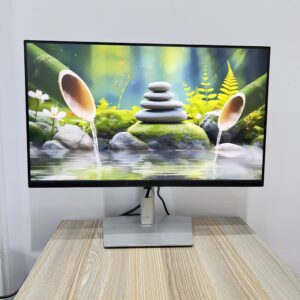
 Value with USB-C
Dell P2419HC 24-inch
23.8-inch Full HD IPS · USB-C · adjustable stand
Used · 6-month warranty
 Office favourite
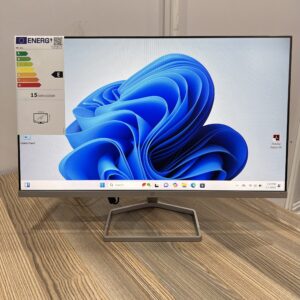
Dell P2422H 24-inch
23.8-inch Full HD IPS · height-adjustable
Used · 6-month warranty
 Slim new monitor for home
HP M24f 24-inch
23.8-inch Full HD IPS · 75Hz · slim design
New · 1-year warranty
 Sharp QHD for multitasking
HP E27q G4 27-inch
27-inch QHD 2560 x 1440 IPS · adjustable
Refurbished · 6-month warranty
 Second screen on the go
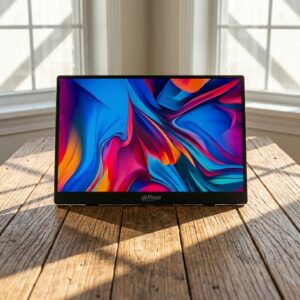
Dahua 15.6-inch Portable
15.6-inch Full HD IPS · portable
New · 1-year warranty
 Gaming and creative work
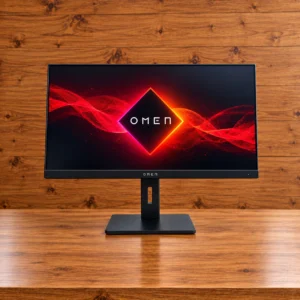
HP OMEN 27q
27-inch QHD · 165Hz · 1ms · FreeSync Premium
New · 1-year warranty
Questions Buyers Ask
What size monitor is best for office work?
A 24-inch Full HD IPS monitor suits most office and home workers. Choose 27-inch QHD if you work with big spreadsheets, design or code.
Can I connect a monitor to my laptop?
Almost always. Most laptops have HDMI or USB-C. Tell us your laptop model and we will make sure you get the right monitor and cable.
Is a used monitor a good buy?
Yes, if it is a business model from Dell or HP and has been checked for dead pixels and brightness. They are built to last for years.
What is the difference between IPS and VA?
IPS has better colour accuracy and viewing angles, which is ideal for work and photo editing. VA has deeper blacks, which is nice for movies.
Do I need a 144Hz monitor?
Only for gaming. For office work, 60Hz to 75Hz is perfectly fine.
Can I use two monitors with a laptop?
Often yes, depending on your laptop’s ports. A USB-C dock or a laptop with HDMI plus USB-C video can run two screens.
What warranty do monitors come with?
New monitors come with a 1-year warranty. Refurbished and used monitors come with a 6-month warranty at Fahavi Computers.
Get Help Choosing
Tell us your laptop or PC model, your desk space and what you do. We will recommend a monitor that connects easily and makes your work more comfortable.
- Visit: Shop H29, 2nd Floor, Superior Centre, at the junction of Kenyatta Avenue and Kimathi Street, Nairobi CBD.
- Opening hours: Monday to Saturday, 8:00 AM to 7:30 PM.
- WhatsApp or call: +254 720 635 023
- Shop online: browse products and today’s prices