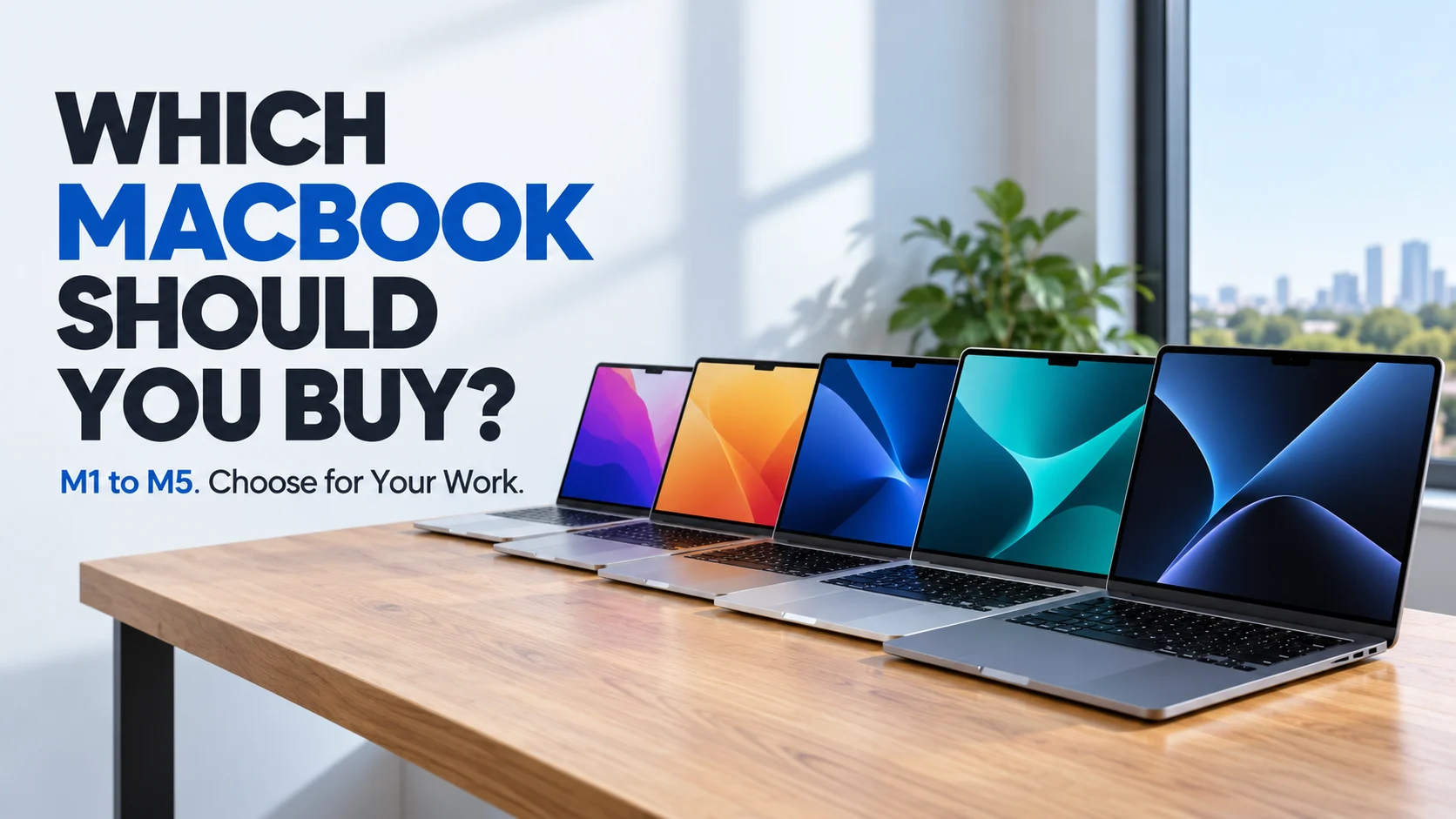
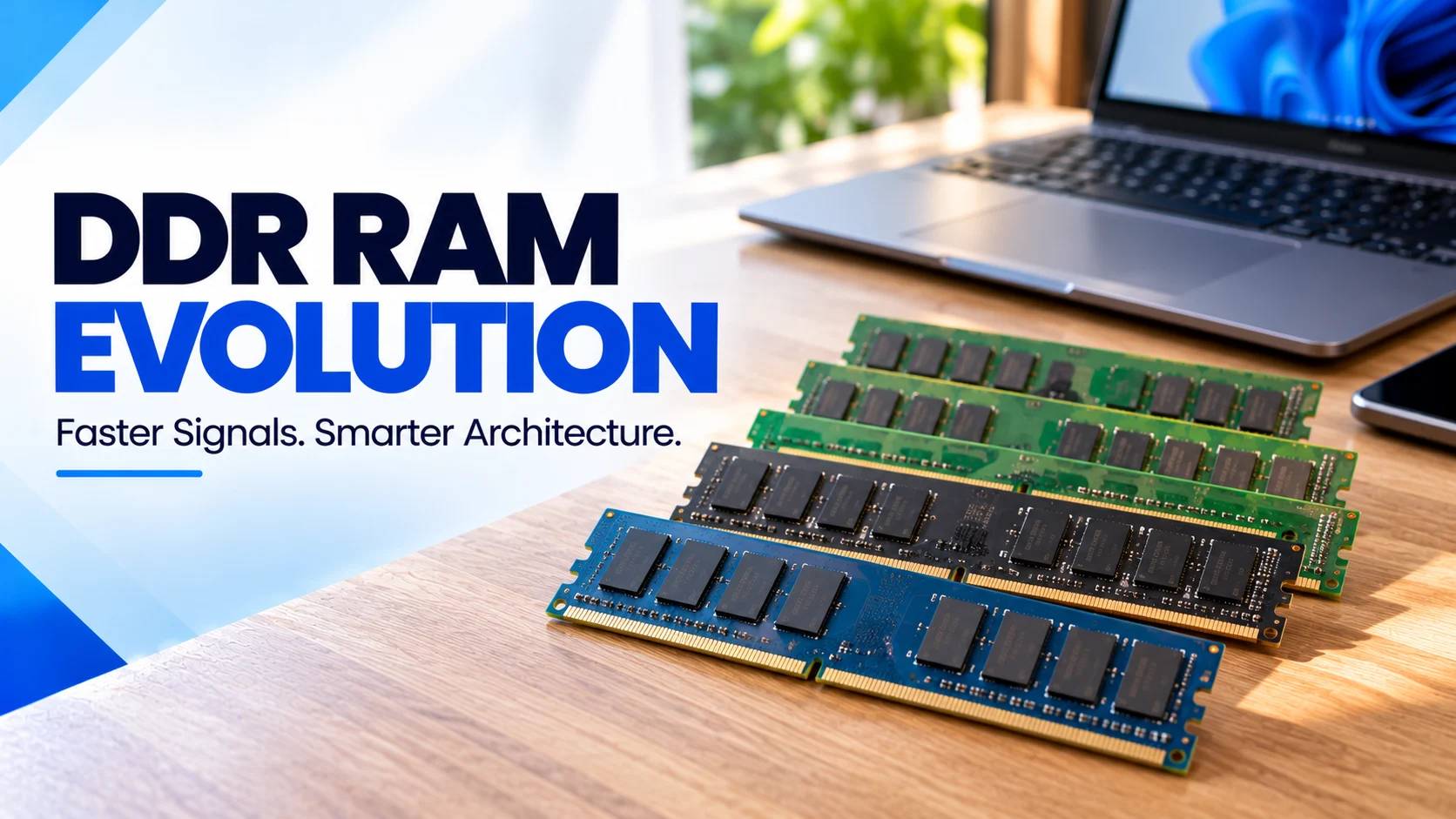
DDR RAM Evolution: From DDR1 to DDR5 and What Comes Next
DDR memory improved through much more than faster clock speeds. Explore how prefetch, bank organisation, signalling and power management changed from DDR1 to DDR5, what future developments could mean, and how to choose the right memory for office work, gaming, development or professional systems.
On this page
- DDR RAM Evolution: From DDR1 to DDR5 and What Comes Next
- The Architectural Problem Behind DDR RAM Evolution
- Pumping the Clock: DDR1 and DDR2
- Widening the Internal Pipe: DDR3 and DDR4
- The Structural Divide: What DDR5 Changed
- DDR6 and Beyond: Why “Zero Distance” Is a Metaphor
- Direct Comparison: How DDR Generations Differ
- Technical Threads That Explain Every Generation
- Which DDR Generation Is Better for Your Use Case?
- Related Fahavi Guides and Products
- DDR RAM Evolution: Questions Buyers Ask
- Buy for Your Work, With the Architecture in Mind
DDR RAM Evolution: From DDR1 to DDR5 and What Comes Next
DDR RAM evolution is the story of moving more data without making every memory cell proportionally faster. DDR introduced transfers on both clock edges. Later generations increased internal parallelism, refined signalling and lowered standard operating voltages. DDR5 added a more divided module architecture. For buyers, choose compatible capacity first, then assess bandwidth and the complete computer.
DDR5 looks newer than DDR4 on a specification sheet. The useful question is what changed inside, and whether those changes matter for your work. A higher generation number alone cannot tell you how responsive a laptop will feel.
This guide follows the architecture from DDR1 to DDR5, explains the physical limits behind each redesign and separates confirmed developments from future-memory claims.
The Architectural Problem Behind DDR RAM Evolution
Main memory stores working information for running software. DRAM cells hold electrical charge that must be sensed, restored and refreshed. Those physical operations cannot become arbitrarily fast simply because a processor needs more data.
Engineers therefore improved the route between the memory array and the processor. They fetched more data internally, organised work across banks, increased interface data rates and made high-speed electrical signals more dependable.
Think of a warehouse dispatching goods. Faster delivery can come from moving each item faster, preparing larger batches or opening more independent dispatch lanes. DDR generations combine comparable strategies, although the electronics are more complex.
Pumping the Clock: DDR1 and DDR2
DDR1: Use Both Edges of the Signal
Earlier single-data-rate SDRAM transferred data once per clock cycle. DDR SDRAM used both the rising and falling edges. This doubled the number of data-transfer opportunities at the same interface clock frequency.
The original DDR generation, often called DDR1, used 2n prefetch. It prepared data internally in pairs for the external interface. A separate data strobe, DQS, helped the receiver capture data at the right moment.
This was a signalling and data-path advance, not a claim that every memory cell had become twice as fast. Micron’s original DDR functionality technical note explains the relationship.
DDR2: Prepare More Data Behind the Interface
DDR2 moved to 4n prefetch. A wider internal transfer supplied a faster external data stream without demanding an equivalent increase in the memory array’s operating rate.
DDR2 also used a lower nominal supply voltage of 1.8V, compared with the commonly quoted 2.5V for DDR1. Electrical refinements, including on-die termination, supported higher-speed operation by helping control signal reflections.
What became better: more interface throughput and improved electrical efficiency. The trade-off was that clock-cycle timings could grow, so a larger headline transfer rate did not automatically halve real access latency.
Widening the Internal Pipe: DDR3 and DDR4
DDR3: Eight Words Behind Each Internal Transfer
DDR3 increased prefetch to 8n. This continued the separation between the comparatively constrained memory array and the faster external interface. Its standard nominal voltage was 1.5V; DDR3L provided a 1.35V variant.
“Widening the pipe” describes the internal organisation here. It does not mean a normal desktop module suddenly acquired a wider external data bus. The distinction matters when comparing architecture diagrams with product labels.
What became better: the ability to serve higher interface data rates and growing capacities with lower nominal voltage than DDR2.
DDR4: Better Scheduling, Not Another Prefetch Doubling
DDR4 retained 8n prefetch. It did not move to 16n merely because the generation number increased. Instead, bank groups, improved signalling and other changes supported higher throughput.
Banks divide the memory array into areas that the controller can schedule. Bank groups add another level of organisation, allowing suitable accesses to overlap more effectively. Actual timing constraints still determine how quickly commands can follow one another.
DDR4 also reduced nominal core and I/O voltage to 1.2V. Micron’s DDR3-to-DDR4 comparison documents these changes. Bank counts vary with component organisation, so one count should not be applied to every chip.
What became better: greater bandwidth potential, denser devices and more effective access scheduling. DDR4’s achievement was a broader system redesign, rather than simply a deeper prefetch buffer.
The Structural Divide: What DDR5 Changed
Two Subchannels Make Smaller Transfers More Useful
A conventional non-ECC DDR4 module presents a 64-bit data path. A standard DDR5 module divides its 64 data bits into two independently addressable 32-bit subchannels.
DDR5 pairs this with 16n prefetch and a normal burst length of 16 transfers. A 32-bit subchannel can therefore deliver a 64-byte burst. The organisation helps the controller use the interface efficiently across suitable requests.
One DDR5 module still does not automatically equal populating both memory channels of a dual-channel desktop processor. Module subchannels and the processor’s complete memory-channel layout are different levels of the system.
More Parallel Work and Better Signal Handling
DDR5 expands bank organisation on relevant devices and introduces finer-grained refresh options. A controller can arrange useful activity around some maintenance work rather than treating every operation as one large block.
Micron’s DDR5 technical comparison also describes training and receiver-equalisation improvements. These help keep data transfers reliable as the electrical timing window becomes smaller.
Power Management Moves Onto the Module
Standard DDR5 modules incorporate a power-management integrated circuit, or PMIC. This regulates power on the module, while nominal DRAM core and I/O voltage drops to 1.1V.
That does not mean every DDR5 computer uses less total electricity than every DDR4 computer. Capacity, activity, operating settings and the rest of the machine affect power demand.
On-Die ECC Has a Specific Job
DDR5’s on-die ECC corrects certain errors within the DRAM chip. It does not provide the same protection as full system-level ECC with a compatible controller and module.
Calling DDR5 “intelligent silicon” is useful shorthand for its added control circuitry. The memory is not independently deciding which applications deserve priority. See Kingston’s DDR5 architecture guide for the module-level details.
DDR6 and Beyond: Why “Zero Distance” Is a Metaphor
Moving memory closer to processing can reduce some data-movement costs. Shorter connections, advanced packaging and stacked memory offer different ways to improve the relationship between compute and memory.
However, zero distance and zero latency are not literal outcomes. Electrical propagation, memory-cell operations, controller scheduling and heat remain real constraints. DDR6 should not be described as the point where latency flatlines or physical limits disappear.
Nor should a desktop DDR6 forecast be confused with LPDDR6. JEDEC announced its JESD209-6 LPDDR6 standard in July 2025 . LPDDR is a distinct memory family with different interface and power priorities.
For this guide, no final desktop DDR6 specification or retail launch date is presented as confirmed. Evaluate future products using their published standard, supported processor platforms and actual availability, rather than an unverified speed chart.
Buying decision: choose a supported system that solves today’s workload. Waiting for a generation name has little value if the hardware you need is available and suitable now.
Direct Comparison: How DDR Generations Differ
These are architectural reference points, not a complete catalogue of every part or overclocked kit. Nominal voltages exclude special variants unless noted. Scroll sideways on a phone.
| Generation | Prefetch | Nominal Core/I/O Voltage | Main Architectural Advance | Practical Role |
|---|---|---|---|---|
| DDR1 | 2n | Typically 2.5V | Transfers on both clock edges; source-synchronous strobes. | Legacy systems. |
| DDR2 | 4n | 1.8V | Wider internal prefetch and electrical refinements. | Legacy maintenance. |
| DDR3 | 8n | 1.5V; DDR3L 1.35V | Deeper prefetch and lower nominal voltage. | Older compatible PCs. |
| DDR4 | 8n | 1.2V | Bank groups and improved high-speed signalling. | Many existing business, home and gaming PCs. |
| DDR5 | 16n | 1.1V | Two 32-bit subchannels, module PMIC and on-die ECC. | Supported newer computing platforms. |
How Each Generation Was Better Than the Last
The general direction was higher bandwidth potential, greater density and improved efficiency. The method changed: DDR1 exploited both clock edges; DDR2 and DDR3 widened internal transfers; DDR4 improved scheduling and signalling; DDR5 divided and refined more of the module’s operation.
“Better” does not mean every application gains the same percentage. Software must benefit from the added bandwidth or capacity, and the processor must be able to use it. Benchmark results belong to exact tested configurations, not generation names alone.
Which DDR Generation Is Better for Your Use Case?
Existing Office Laptop: Upgrade Within Its Supported Generation
If a usable DDR4 computer needs more working memory, compare a compatible capacity upgrade before replacing the entire machine. DDR5 cannot be installed as a substitute in its DDR4 socket.
For general productivity, begin a new-laptop comparison around 16GB. Consider 32GB when larger spreadsheets, research tools or several demanding applications form your normal day.
Two Fahavi Examples: Capacity Versus Platform
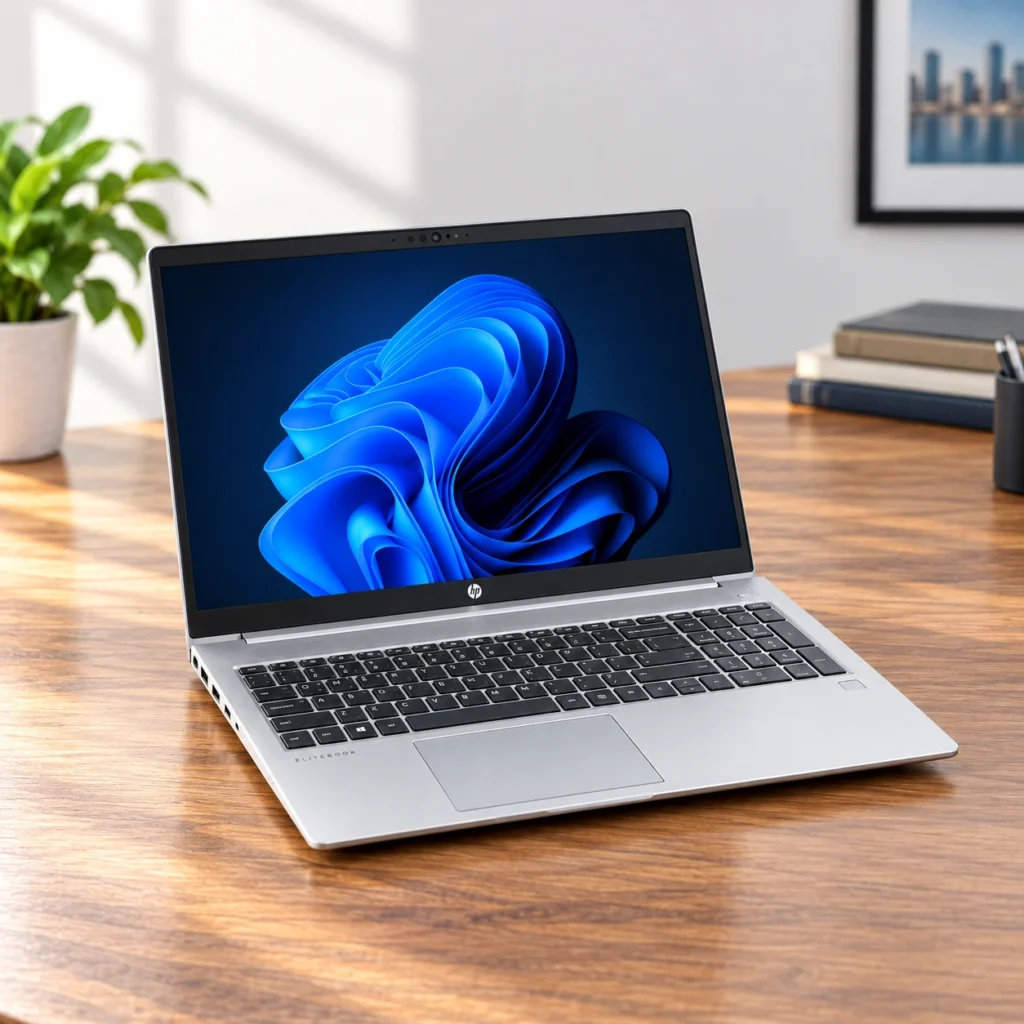
The refurbished HP EliteBook 650 G9 Core i7-1255U with 32GB DDR4 and 1TB SSD is a useful example for memory-heavy office work. Its supplied capacity is the reason to shortlist it, rather than rejecting DDR4 automatically. It has a 15.6-inch Full HD display and a six-month refurbished warranty.
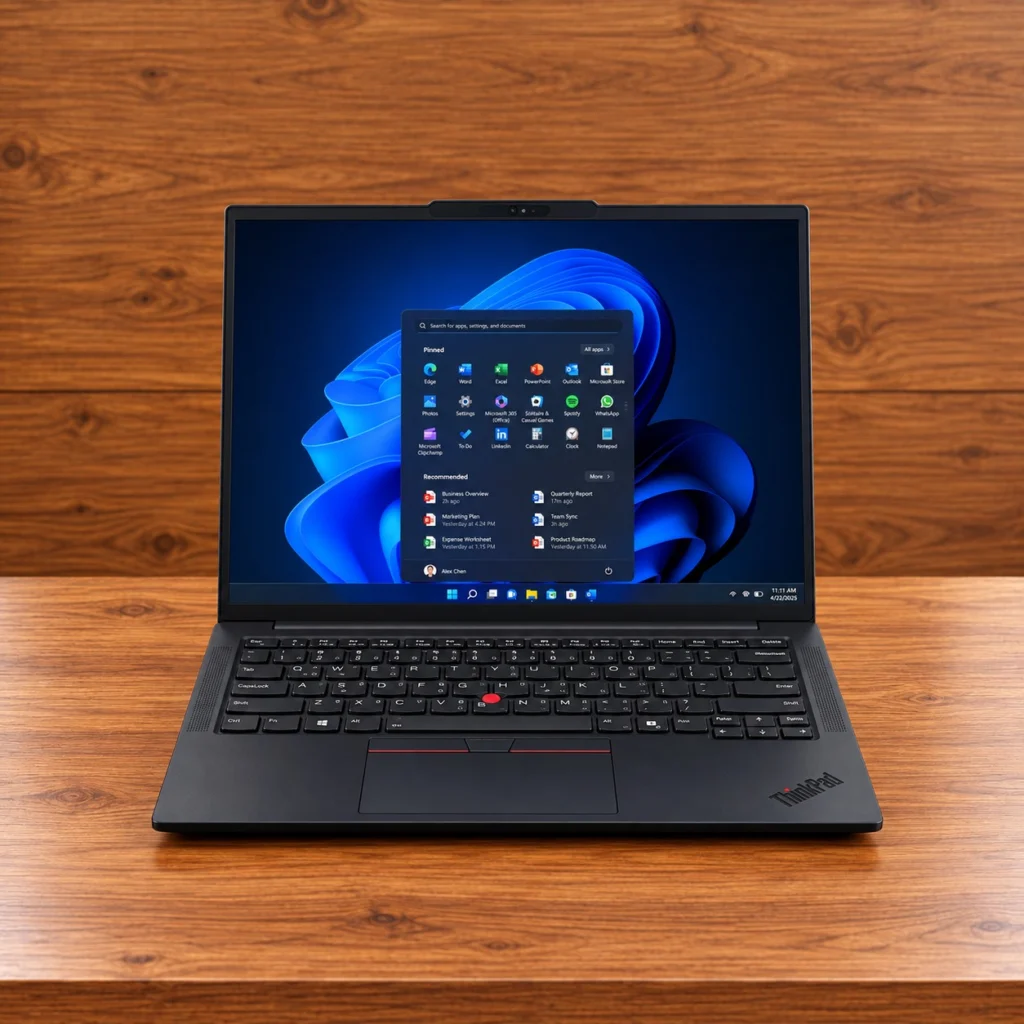
For a new platform, compare the ThinkPad E14 Gen 7 Core Ultra 7 255H with 32GB DDR5 and 512GB SSD . Its 14-inch WUXGA screen and newer processor make it a different package. Manufacturer warranty terms apply; integrated graphics remain a consideration for specialised GPU workloads.
New Gaming or Creative System: Evaluate DDR5 With the Whole Build
For a supported new platform, DDR5 offers a stronger bandwidth foundation. Compare the processor, GPU, memory kit and application together. A more expensive kit is worthwhile only when its benefit justifies the cost for your work.
Servers and Workstations: Follow Population and Reliability Rules
Capacity, channel population and supported ECC module type can matter more than chasing a headline data rate. Follow the manufacturer’s memory rules. On-die ECC alone does not turn ordinary desktop DDR5 into an equivalent server-memory configuration.
DDR RAM Evolution: Questions Buyers Ask
Did every DDR generation double the prefetch size?
No. DDR1 used 2n, DDR2 used 4n, DDR3 and DDR4 used 8n, and DDR5 uses 16n. DDR4 improved other parts of the architecture instead of doubling prefetch.
Does DDR5 have twice the bandwidth because it has two subchannels?
Not automatically. Its two 32-bit subchannels still total 64 data bits on a standard non-ECC module. Higher data rates and improved utilisation contribute to performance; the split alone does not double the total width.
Can I replace DDR4 with DDR5 in my current laptop?
No. The computer must support DDR5 at the platform level. Send the exact model to Fahavi Computers before buying a memory upgrade.
Is DDR5 on-die ECC the same as server ECC?
No. On-die ECC operates within the memory chip. System-level ECC requires the appropriate controller, module and platform support.
Should I buy 16GB DDR4 or 8GB DDR5?
For work that needs more than 8GB, sufficient capacity should usually come first. Compare the complete computers and upgrade options through the Fahavi shop, rather than choosing from the generation alone.
Is LPDDR6 proof that desktop DDR6 has launched?
No. LPDDR6 and desktop DDR6 belong to different standard families. An LPDDR6 announcement does not establish a desktop DDR6 product’s specification or availability.
Which memory should I choose for programming?
Start with sufficient capacity for your tools, then compare supported platforms. General development can start around 16GB, while heavier combined workloads may justify 32GB. Read the programming laptop guide for task-based advice.
Buy for Your Work, With the Architecture in Mind
DDR progress has combined faster interfaces with better internal organisation. Your buying decision should combine enough capacity, platform compatibility and the performance your applications need.
Find My Compatible RAM or Computer
Visit Fahavi Computers, Shop H29, 2nd Floor, Superior Centre, junction of Kenyatta Avenue and Kimathi Street, Nairobi CBD. Open Monday to Saturday, 8:00 AM to 7:30 PM; holiday hours may vary.
Call +254 720 635 023 or +254 700 827 638. Visit the shop, order online or contact Fahavi Computers for availability before purchasing. M-Pesa, cash and bank transfer are available; agree on stock, charges and timing for same-day Nairobi delivery.