Dedicated vs Integrated Graphics: Which One Do You Actually Need?
Paying extra for a graphics card you will never use is a waste, but buying without one when you need it is worse. Here is how to decide based on what you actually do.
On this page
Graphics are one of the biggest price differences between laptops. Two machines with the same processor and RAM can differ by tens of thousands of shillings just because one has a dedicated graphics card.
The question is simple: will you actually use it? This guide helps you answer that based on your real work, not marketing.
Quick Answer: Do You Need Dedicated Graphics?
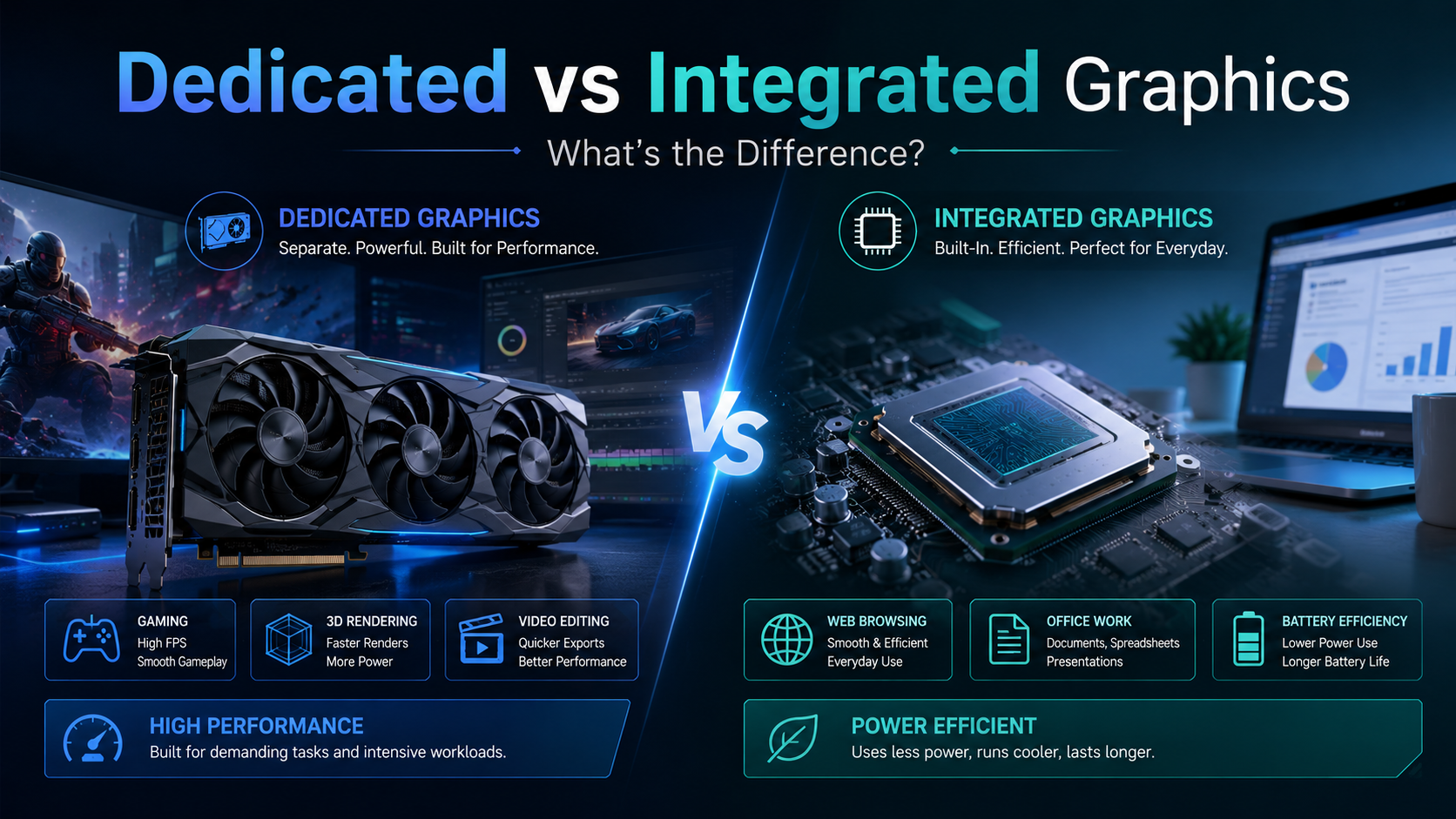
You need dedicated graphics (such as NVIDIA RTX) for modern gaming, video editing, 3D design, AutoCAD at professional level, and AI or machine learning work. For office work, school, browsing, video calls, streaming and light photo editing, modern integrated graphics are enough. Choosing integrated graphics saves money, weight and battery life.
Not sure if your software needs a graphics card? Tell us the apps or games you will use, and we will tell you honestly whether you need dedicated graphics or can save the money.
- ✔ Physical shop in Nairobi CBD
- ✔ Warranty on every product
- ✔ Test before you pay
- ✔ M-Pesa, same-day Nairobi delivery
What Is the Difference?
- Integrated graphics are built into the processor and share the laptop’s RAM. Examples: Intel Iris Xe, Intel Arc (in Core Ultra), AMD Radeon in Ryzen chips.
- Dedicated graphics are a separate chip with their own fast memory (VRAM). Examples: NVIDIA GeForce RTX 3050, RTX 4060, or professional cards like NVIDIA RTX A-series and AMD Radeon Pro.
Think of integrated graphics as a capable family car, and dedicated graphics as a lorry. The lorry carries heavy loads, but you would not use it for the school run.
What Can Integrated Graphics Handle?
Modern integrated graphics (Intel 11th Gen and newer, AMD Ryzen 5000 and newer, Core Ultra) are far better than older ones. They comfortably handle:
- Microsoft Office, Google Docs and large Excel files
- Zoom, Teams and Google Meet calls
- YouTube, Netflix and Showmax up to 4K on supported screens
- Photo editing in Lightroom, Canva or Photoshop for everyday edits
- Simple video edits for social media, such as TikTok and Reels
- Light and older games, such as FIFA older editions, Minecraft and Valorant at low settings
When You Really Need Dedicated Graphics
| Your work | What to look for |
|---|---|
| Modern gaming (Call of Duty, EA FC, GTA V) | NVIDIA RTX 3050 minimum, RTX 4060 or better for high settings |
| Video editing (Premiere Pro, DaVinci Resolve) | RTX 3050 or better, 16GB RAM, ideally 32GB for 4K |
| 3D design and rendering (Blender, SketchUp, Lumion) | RTX 3060/4060 or better, or a professional RTX A-series card |
| AutoCAD, Revit, SolidWorks (professional use) | A professional card (NVIDIA RTX A-series, Quadro, Radeon Pro) or a strong RTX |
| AI and machine learning | NVIDIA RTX with as much VRAM as you can afford |
Gaming GPU or Professional GPU?
GeForce RTX cards are built for games but also work very well for video editing and Blender. Professional cards (RTX A-series, Quadro, Radeon Pro) are certified for engineering software like SolidWorks and Revit, giving more stable performance in those apps. If you are an engineering or architecture professional, a mobile workstation with a professional card is the safer choice. Students can usually manage with a GeForce RTX.
The Trade-offs of Dedicated Graphics
- Price: laptops with RTX graphics cost more.
- Battery life: usually shorter, especially when gaming or rendering.
- Weight and heat: gaming laptops are heavier, louder and need good airflow.
- Charger: bigger power bricks that are less convenient to carry.
If you will use the graphics card only now and then, a lighter laptop with integrated graphics plus a desktop at home may suit you better.
Laptops to Compare, From Integrated to Powerful RTX
Shop These Picks
 Integrated: office and school
HP EliteBook 830 G9
Core i5-1235U · Iris Xe · 16GB DDR5 · touchscreen
Refurbished · 6-month warranty
 Entry pro graphics
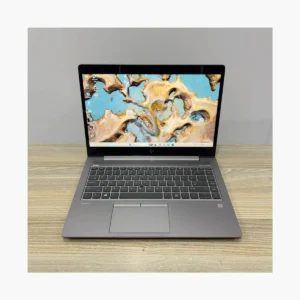
HP ZBook 14u G6
Core i7 8th Gen · Radeon Pro WX 3200 4GB · 8GB · 256GB
Refurbished · 6-month warranty
 Entry gaming
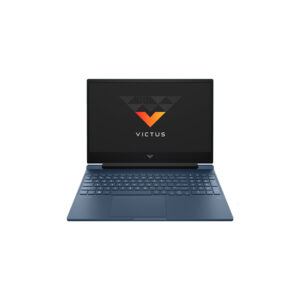
HP Victus 16
Core i5-11400H · RTX 3050 Ti · 16GB · 512GB · 144Hz
Refurbished · 6-month warranty
 Creators and editors
Dell XPS 15 9510
Core i7-11800H · RTX 3050 Ti · 16GB · 512GB SSD
Refurbished · 6-month warranty
 Serious gaming
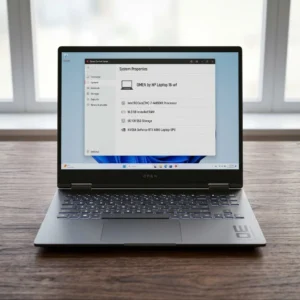
HP Victus 15
Core i7-13620H · RTX 4060 · 16GB · 512GB · 144Hz
Refurbished · 6-month warranty
 High-end gaming and 3D
HP OMEN 16
Core i7-14650HX · RTX 4060 · 16GB · QHD 165Hz
Refurbished · 6-month warranty
Questions Buyers Ask
Is integrated graphics enough for a student?
For most courses, yes. Integrated graphics handle assignments, research, online classes and presentations easily. Engineering, architecture, film and design students may need dedicated graphics.
Can I play games on integrated graphics?
Yes, light and older games such as Minecraft, Valorant or older FIFA editions at low settings. For modern games like Call of Duty or EA FC, you need a dedicated NVIDIA RTX card.
Is RTX 3050 good enough?
RTX 3050 is good for entry gaming at 1080p with medium settings, video editing and student-level 3D work. For high settings or heavy rendering, choose RTX 4060 or better.
Do I need a graphics card for AutoCAD?
For student-level 2D drawings and simple 3D, integrated graphics or an entry graphics card work. For professional 3D models and large projects, choose a workstation with a professional card or a strong RTX.
Does a Core i7 laptop always have dedicated graphics?
No. Many Core i7 laptops use integrated graphics. Always check the specs for a separate NVIDIA or AMD graphics card.
Does dedicated graphics reduce battery life?
Yes, it uses more power when working hard. Many laptops switch to integrated graphics automatically for light tasks to save battery.
What is VRAM?
VRAM is the graphics card’s own memory. More VRAM helps with high-resolution games, 4K video editing and 3D scenes. 4GB is entry level, 6GB to 8GB is better.
Get Help Choosing
Tell us the software or games you plan to use. We will tell you whether you need dedicated graphics and suggest a laptop that matches your work and budget.
- Visit: Shop H29, 2nd Floor, Superior Centre, at the junction of Kenyatta Avenue and Kimathi Street, Nairobi CBD.
- Opening hours: Monday to Saturday, 8:00 AM to 7:30 PM.
- WhatsApp or call: +254 720 635 023
- Shop online: browse products and today’s prices
Sources: NVIDIA GeForce RTX laptops, Intel Iris Xe graphics.