RAM Explained: History, Types and Why Memory Matters
From magnetic rings to the chips inside phones and laptops, RAM has helped shape modern computing. This guide explains how memory evolved, what its different types do, and how capacity, speed and compatibility affect the devices you use, with practical advice for choosing your next computer or upgrade.
On this page
- RAM Explained: Its History, Types and Role in Modern Devices
- What RAM Does When You Use a Device
- A Short History of RAM: The Breakthroughs That Changed Computing
- The Main Types of RAM, Without the Confusing Labels
- Why Memory Matters Across Modern Devices
- Capacity, Bandwidth and Latency: Which Matters Most?
- How Much RAM Should You Buy?
- Can You Upgrade RAM Later?
- Related Fahavi Guides and Products
- RAM Questions Buyers Ask
- Choose the Memory Your Work Needs
RAM Explained: Its History, Types and Role in Modern Devices
RAM explained simply: it is the working memory a device uses to hold information while software runs. Its evolution from magnetic cores to modern semiconductor memory helped make computers smaller and more capable. Today, different memory designs serve laptops, phones, graphics processors and servers. Capacity, bandwidth, efficiency and compatibility all affect which design fits a particular job.
Your phone remembers where you were in an app. Your laptop keeps a spreadsheet ready while you join a meeting. A server responds to many people using the same online service. Behind these different experiences is a shared requirement: somewhere to keep information that software needs now.
That is why RAM deserves attention when buying technology. Understanding it helps you see beyond a processor badge, separate memory from storage and choose a device that supports your daily work.
What RAM Does When You Use a Device
RAM stands for Random Access Memory. Software works with information held at addressable memory locations, allowing the system to access what it needs without reading through everything in sequence.
When you launch an application, relevant instructions and data are brought into memory. As you work, memory holds active information such as document content, browser data or parts of a game. The processor performs operations using that information.
Consider a shop laptop handling invoices, stock records, email and a browser-based payment portal. Those applications share the available working memory. Enough RAM gives the system room to keep their active data available; insufficient capacity can make switching between them less responsive.
RAM Is Different From Storage
A specification such as 16GB RAM and 512GB SSD describes two separate components. RAM supports running software. The SSD holds saved documents, installed applications and the operating system between sessions.
Adding a larger SSD does not increase physical RAM. Adding RAM does not create more permanent space for photographs or videos. Decide whether you need more working capacity, more file space or both before spending.
Ordinary modern DRAM is volatile, meaning it loses its contents without power. Save your work to persistent storage and keep backups. A bigger memory capacity cannot protect an unsaved document from a sudden shutdown.
Kingston’s memory and storage explanation provides further detail on this distinction.
A Short History of RAM: The Breakthroughs That Changed Computing
Before Memory Chips: Early Electronic Storage
Early computers used different methods to retain working information, including delay lines and electrostatic storage. Engineers faced difficult trade-offs involving access time, reliability, physical size and construction.
The goal was practical: hold information in a form the machine could use quickly. There was no single invention that immediately replaced every earlier approach.
Magnetic Core Memory in the 1950s
Magnetic core memory used small magnetic rings threaded with wires. Their magnetic states represented bits. The Computer History Museum records the technology’s use in MIT’s Whirlwind computer in 1953.
Core memory became a major main-memory technology. Unlike modern DRAM, its stored state could survive without continuous electrical power. “Random access” therefore does not automatically mean “volatile”; those describe different properties.
The DRAM Breakthrough
In 1966, IBM researcher Robert Dennard developed the concept behind the one-transistor DRAM cell. A patent followed in 1968. The design used a transistor and capacitor to store a bit in a compact semiconductor structure.
The capacitor’s charge must be refreshed periodically. That requirement explains “dynamic” in Dynamic Random Access Memory. IBM’s account of DRAM describes how this approach helped expand memory capacity.
Intel’s 1103 arrived in 1970 as a commercially important 1-kilobit DRAM chip. It used a different, three-transistor cell design, so it should not be described as a direct implementation of Dennard’s one-transistor cell.
PC Memory Becomes Modular and Synchronous
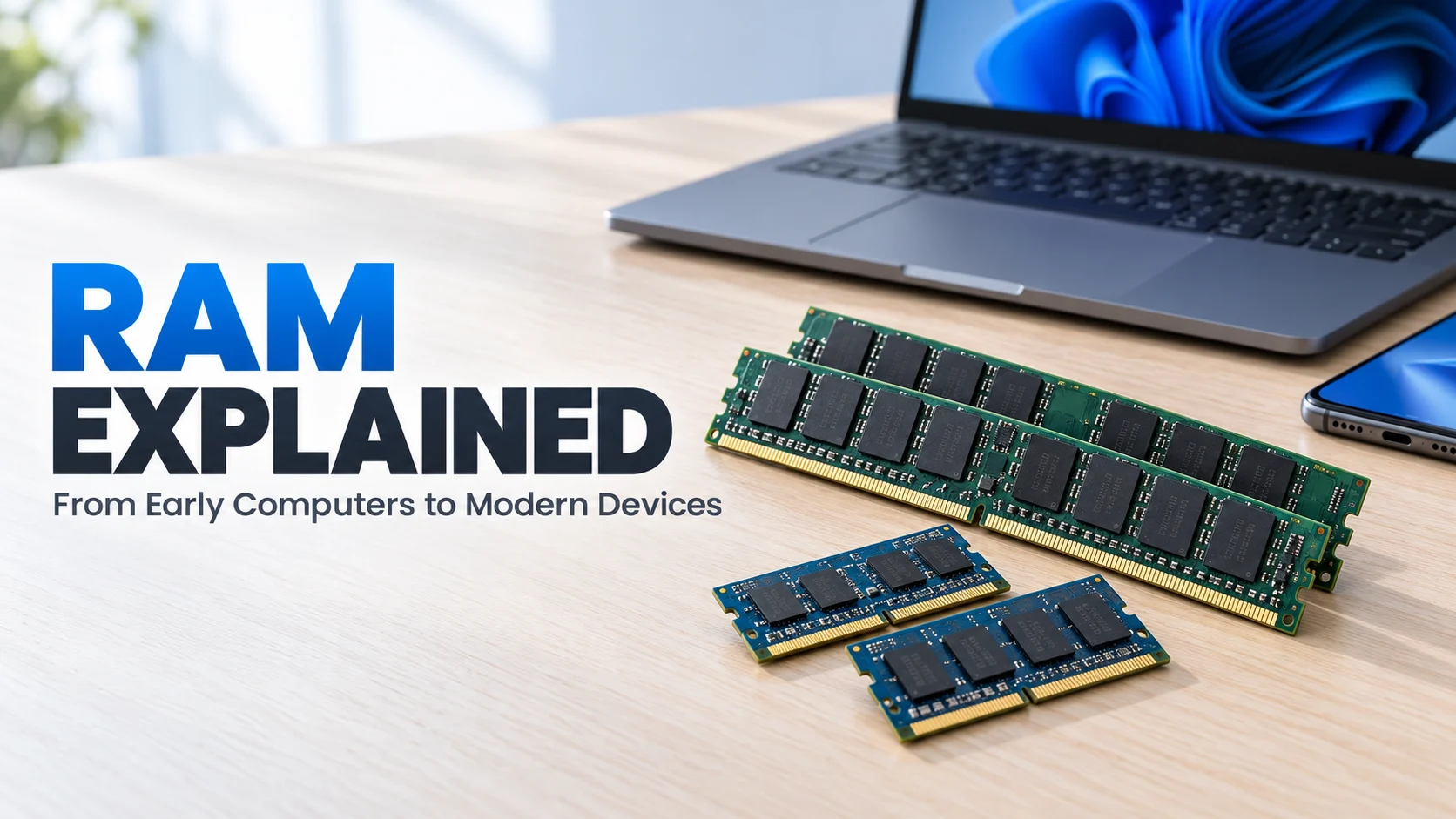
As personal computing expanded, memory modules allowed several chips to be installed together. Older systems used SIMMs; DIMMs and smaller SO-DIMMs became familiar in later desktops and laptops.
FPM and EDO DRAM served earlier PCs. SDRAM coordinated memory operations with the system clock. DDR SDRAM then transferred data on both clock edges, improving the interface’s effective transfer rate.
These developments were about more than speed. Higher density and improved manufacturing helped larger memory capacities fit into increasingly practical devices.
The Main Types of RAM, Without the Confusing Labels
SRAM: Small, Fast Memory Close to the Processor
Static RAM holds information using circuitry that does not require DRAM-style refresh while powered. It is fast but uses more chip area per bit than typical DRAM, making it expensive for large capacities.
SRAM is commonly used for processor caches. These hold selected information close to the processing cores. Cache capacity and the RAM capacity printed on a laptop listing are different specifications.
DRAM: The Basis of Most Main Memory
Dynamic RAM provides dense working memory for many computers and other devices. DDR and LPDDR are families within the broader DRAM category, rather than completely unrelated inventions.
That relationship matters when reading specifications. “DRAM” identifies a broad technology, while “DDR5” tells you more about the memory interface generation.
DDR Memory: Familiar in Desktops and Many Laptops
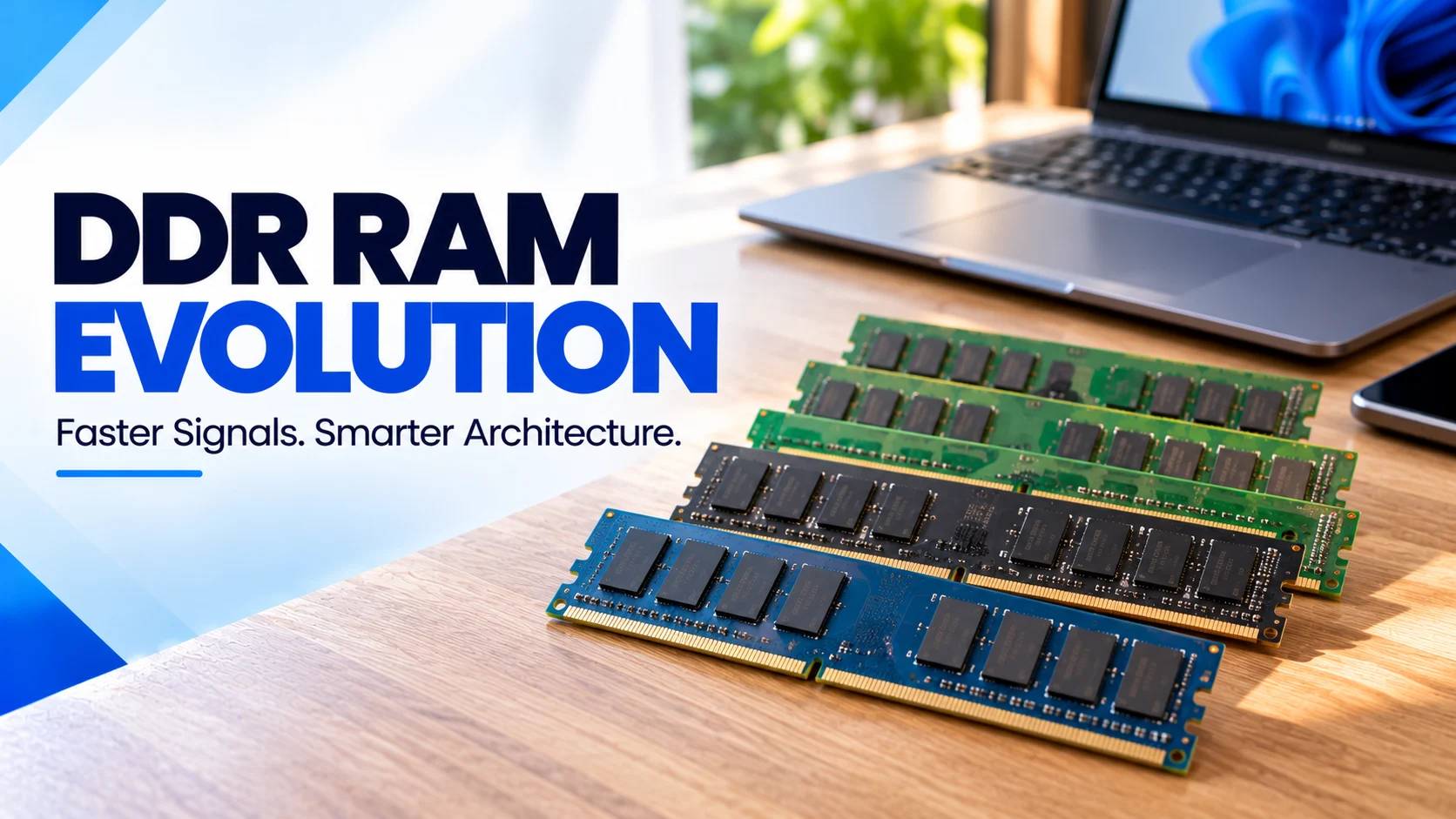
DDR means Double Data Rate. Its generations include DDR, DDR2, DDR3, DDR4 and DDR5. Each generation introduced changes to the interface, supported data rates, density or efficiency.
Scroll sideways on a small screen to read the timeline.
| Generation | Milestone | Buying Implication |
|---|---|---|
| DDR | 2000 introduction | Legacy technology, unsuitable for modern DDR sockets. |
| DDR2 | 2003 introduction | Belongs to older, specific platforms. |
| DDR3 | 2007 introduction | Still encountered in older computers. |
| DDR4 | 2014 introduction | Relevant to many usable business and home PCs. |
| DDR5 | 2021 market debut | Offers a newer architecture on compatible platforms. |
These milestones follow Kingston’s DRAM evolution overview . Standard publication, first products and widespread adoption can occur at different times.
LPDDR: Memory Designed Around Power Efficiency
Low Power DDR is widely used in smartphones and also appears in thin laptops and other systems. Its design balances bandwidth with power requirements, which matters in battery-powered devices.
LPDDR is not simply a smaller desktop module. Its interface and implementation differ. A phone’s LPDDR capacity cannot be upgraded by inserting a laptop memory stick.
GDDR and HBM: Feeding Graphics and Accelerators
Graphics DDR is used in many graphics systems. It provides high-bandwidth memory for workloads such as rendering, games and compatible compute applications. The memory on a dedicated graphics card is separate from the system RAM in a conventional PC.
High Bandwidth Memory uses stacked DRAM and a wide interface, often alongside specialised processors or accelerators. It plays an important role in demanding AI and high-performance computing systems. It is not a substitute module for a laptop RAM slot.
ECC and Unified Memory Describe Different Features
ECC refers to error-correcting capability in a supported memory system. It matters where data integrity is important, including many servers and workstations. DDR5’s on-die correction operates within individual chips and is not equivalent to full system-level ECC.
Unified memory describes an architecture in which components such as the CPU and GPU share a memory pool. Apple silicon uses this approach. It can reduce data copying, but it does not create unlimited capacity or make a fixed amount equivalent to twice as much ordinary RAM.
Why Memory Matters Across Modern Devices
Laptops and Desktops: Keeping Work Moving
Computer memory holds the active parts of your work. Larger spreadsheets, creative projects and several open applications can increase demand. Enough capacity helps avoid constant pressure on the memory system, while an appropriate processor and SSD remain important.
A laptop is therefore a complete system. More RAM cannot compensate for every limitation in processing power, cooling or graphics capability.
Phones and Tablets: Apps, Cameras and Battery Constraints
Mobile devices use memory for their operating systems, active applications and processing tasks. Camera features and on-device AI can also require working memory. Efficient memory design helps manufacturers balance capability with power consumption.
Do not compare phones by RAM alone. Software management, processor design and application behaviour differ. Also distinguish physical RAM from advertised memory expansion that uses storage: the latter does not add physical DRAM.
Consoles, Servers and Connected Equipment
Gaming consoles need working memory for game data and graphics. Their memory architectures are designed as part of the complete console, rather than chosen like an ordinary desktop upgrade.
Servers use memory to support databases, virtual machines and concurrent requests. Their capacity, reliability features and module-population rules can differ substantially from consumer PCs.
Routers, smart TVs, cameras and vehicle electronics also need working memory, although implementations vary. Some small controllers use on-chip SRAM instead of separate DRAM. That is why “every modern device uses DDR5” would be inaccurate.
Micron’s mobile memory guidance explains the distinction between smartphone working memory and persistent storage.
Capacity, Bandwidth and Latency: Which Matters Most?
Capacity determines how much working data can fit. Bandwidth describes how much data can move in a given time. Latency concerns the delay involved in completing an access.
When your workload exceeds available capacity, adding compatible memory may help more than choosing a faster module of the same small capacity. Once capacity is sufficient, bandwidth and latency can become more significant, depending on the application.
Data rate is commonly expressed in MT/s, meaning millions of transfers per second. It is different from the memory clock in MHz. DDR4-3200, for example, has a 3,200MT/s data rate and a 1,600MHz clock.
Likewise, more RAM does not increase internet bandwidth or automatically double gaming performance. It helps when memory is a constraint. Graphics hardware, software, project size and network conditions have their own roles.
Storage-backed paging helps operating systems manage memory, but an SSD is not equivalent to physical RAM. Avoid treating an enlarged page file as a replacement for sufficient installed capacity.
How Much RAM Should You Buy?
For a general-purpose laptop used for study, office work and everyday multitasking, start your comparison at 16GB. It gives room for overlapping applications without automatically paying for a specialist configuration.
- 8GB: Consider for light tasks and limited multitasking when cost is the main constraint.
- 16GB: A sensible starting target for regular productivity and many student workloads.
- 32GB: Consider for demanding development environments, larger creative projects and heavier multitasking.
- 64GB or more: Choose for an established software or project requirement, rather than the assumption that more always feels faster.
These targets concern general computer buying, not universal requirements for phones or consoles. Check your actual applications, the operating system and what else stays open while you work.
For development-specific advice, read Fahavi’s programming laptop guide . For current configurations, browse the Fahavi Computers shop and compare memory alongside storage, condition and the processor.
Can You Upgrade RAM Later?
Sometimes. Many computers use replaceable modules, while others have soldered or package-integrated memory. Some combine fixed memory with an expansion slot. Check the exact model before assuming that a smaller starting capacity can be increased.
DIMM and SO-DIMM describe physical module formats, not memory generations. CAMM2 is another module approach that supports different designs, including DDR5 and LPDDR variants. Learn more about CAMM2 and why physical design matters.
- Identify the exact computer model and supported memory specification.
- Confirm the generation, module format and maximum supported capacity.
- Establish which slots are occupied and whether existing modules must be replaced.
- Use supported module combinations and the manufacturer’s installation guidance.
- Confirm the upgrade is recognised and tested before relying on it for work.
DDR4 and DDR5 are not interchangeable. Never force a module into an unsuitable socket. For server memory, also check ECC, registered versus unbuffered designs and the platform’s population rules.
RAM Questions Buyers Ask
Is RAM the same as phone storage?
No. RAM holds working information for active software, while storage keeps apps, photos and other saved files. A phone can have plenty of storage and still have limited RAM.
Does static RAM keep data when the power is off?
Ordinary SRAM does not retain data without power. “Static” means it does not need DRAM-style periodic refresh while powered, rather than meaning permanent storage.
Is DDR5 always a better purchase than DDR4?
No. Compare the complete computer, sufficient capacity and your applications. A suitable 16GB DDR4 system can be more practical than a newer system with insufficient capacity.
Is 8GB unified memory equal to 16GB ordinary RAM?
No fixed conversion exists. Unified memory can improve data sharing, but capacity remains finite and software requirements still apply. Choose for the actual workload rather than an assumed doubling.
Will adding RAM stop my laptop freezing?
It can help when insufficient memory is the cause. Freezing can also involve software faults, storage problems, temperature or other hardware issues, so identify the cause before buying parts.
How do I choose memory for programming?
Start with 16GB for general development and consider 32GB for heavier containers, emulators or combined workloads. Use the programming laptop guide to match capacity to your tools.
Where can I get help choosing a compatible RAM upgrade?
Contact Fahavi Computers with the exact computer model, installed capacity and applications you use. Visit Shop H29, 2nd Floor, Superior Centre, Nairobi CBD, or send the details on WhatsApp .
Choose the Memory Your Work Needs
RAM’s evolution has helped computing spread from large machines into pockets, homes, offices and data centres. For buyers, the useful question is straightforward: does this device have enough compatible memory for the way I will use it?
Send Fahavi Computers your budget, applications and current model if you are considering an upgrade. We can help you compare suitable options without buying capacity simply for the biggest specification on the page.
Find My RAM or Computer Options
Visit Shop H29, 2nd Floor, Superior Centre, junction of Kenyatta Avenue and Kimathi Street, Nairobi CBD. Open Monday to Saturday, 8:00 AM to 7:30 PM; holiday hours may vary.
Call +254 720 635 023 or +254 700 827 638. Visit the shop, order online or contact Fahavi Computers for availability before purchasing. Pay by M-Pesa, cash or bank transfer; confirm stock, charges and timing for same-day Nairobi delivery.