How to Pay for Your Laptop with M-Pesa: A Step-by-Step Guide
Paying for a laptop online with M-Pesa is quick and safe when you know the steps. Here is exactly what happens at checkout, what to do if something goes wrong, and how to stay safe.
On this page
- Quick Answer: How Do I Pay for a Laptop with M-Pesa?
- Step-by-Step: Paying with M-Pesa at Checkout
- If the M-Pesa Prompt Does Not Arrive
- Check Your M-Pesa Limits
- How to Stay Safe When Paying
- Other Ways to Pay
- After You Pay: Delivery and Collection
- Popular Laptops to Order Online
- Questions Buyers Ask
- Get Help Choosing
You have found the laptop you want online. Now you want to pay with M-Pesa, quickly and without worrying whether your money will arrive. This guide walks you through exactly what happens, step by step, and what to do if the payment prompt does not show up.
Quick Answer: How Do I Pay for a Laptop with M-Pesa?
Add the laptop to your cart, go to checkout, enter your details and choose M-Pesa. A payment prompt (STK push) appears on your phone. Enter your M-Pesa PIN to confirm, and you will receive an M-Pesa message and an order confirmation. If the prompt does not arrive, use the Paybill number shown on the checkout page with your order number as the account number.
Stuck at checkout? Send us your order number on WhatsApp and we will help you complete the payment in minutes.
- ✔ Physical shop in Nairobi CBD
- ✔ Warranty on every product
- ✔ Test before you pay
- ✔ M-Pesa, same-day Nairobi delivery
Step-by-Step: Paying with M-Pesa at Checkout
- Add to cart: choose your laptop or accessories and click Add to Cart.
- Go to checkout: enter your name, phone number and delivery address.
- Choose M-Pesa: make sure the phone number is the Safaricom line you will pay from, in the 07XX or +254 format.
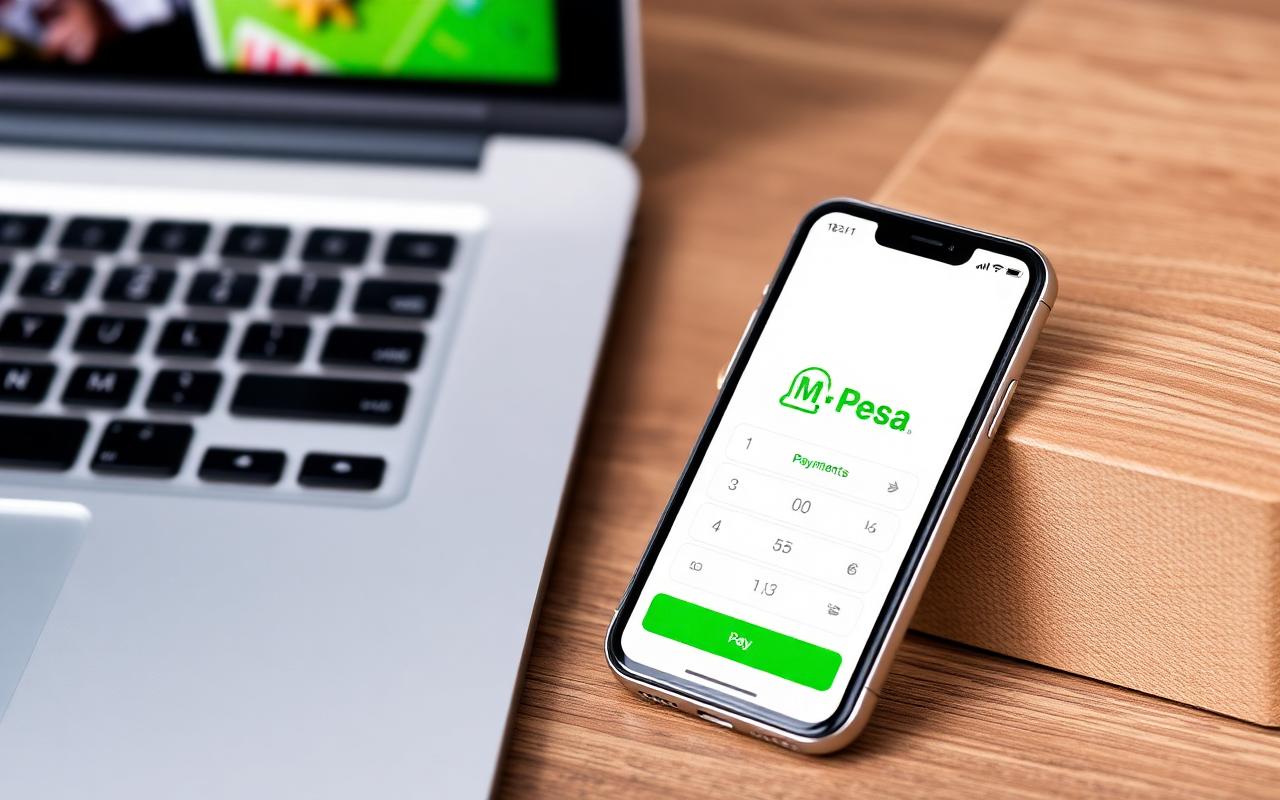
- Confirm on your phone: a prompt appears asking you to enter your M-Pesa PIN. Check the amount and business name, then enter your PIN.
- Get confirmation: you receive an M-Pesa message from Safaricom and an order confirmation from us. Keep both.
If the M-Pesa Prompt Does Not Arrive
- Check that your phone is on, unlocked and has network.
- Make sure you entered the correct Safaricom number.
- Wait a minute, then try again from the order page.
- Or pay manually: go to Lipa na M-Pesa, choose Paybill, enter the Paybill number shown on the checkout page, and use your order number as the account number.
- Send us the M-Pesa message on WhatsApp and we will match it to your order.
Check Your M-Pesa Limits
Laptops can cost more than your daily M-Pesa limit allows, especially on a new line. If your payment fails because of a limit, you can check your limits with Safaricom, pay part by M-Pesa and the rest by bank transfer or card, or pay at our shop.
Stuck at checkout? Send us your order number on WhatsApp and we will help you complete the payment in minutes.
- ✔ Physical shop in Nairobi CBD
- ✔ Warranty on every product
- ✔ Test before you pay
- ✔ M-Pesa, same-day Nairobi delivery
How to Stay Safe When Paying
- Only pay through the official checkout or the Paybill shown on our checkout page. Never send money to a personal phone number claiming to be us.
- Never share your M-Pesa PIN. We will never ask for it. The STK prompt is handled by Safaricom.
- Check the business name on the M-Pesa prompt before entering your PIN.
- Keep your M-Pesa message and order confirmation until you receive and check your laptop.
- Be wary of deals that seem too good, especially on social media pages asking for a deposit.
Other Ways to Pay
- Card: pay by Visa or Mastercard in our shop, or ask us for a card payment option for online orders.
- Bank transfer: useful for businesses and larger orders. Ask us for details.
- In our shop: pay by M-Pesa, cash or card when you collect at Superior Centre, Nairobi CBD.
After You Pay: Delivery and Collection
- Nairobi: same-day delivery is available.
- Outside Nairobi: we deliver countrywide.
- On delivery: check the laptop powers on, the model matches your order and there is no damage before you sign.
Popular Laptops to Order Online
Shop These Picks
 Popular with students
Lenovo ThinkPad T14s Gen 2
Core i5 11th Gen · 16GB · 512GB SSD · 14-inch
Refurbished · 6-month warranty
 Popular for office work
HP EliteBook 640 G9
Core i5 12th Gen · 16GB · 512GB SSD · 14-inch
Refurbished · 6-month warranty
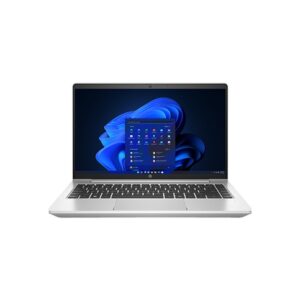 Brand new value
HP ProBook 440 G9
Core i5-1235U · 8GB · 256GB SSD · 14-inch FHD
New · 1-year warranty

Questions Buyers Ask
Is it safe to pay for a laptop online with M-Pesa?
Yes, when you pay through the official checkout. The M-Pesa prompt is processed by Safaricom and the seller never sees your PIN.
What if I pay but do not get an order confirmation?
Keep your M-Pesa message and send it to us on WhatsApp with your name. We will match it to your order quickly.
What if the M-Pesa prompt does not appear?
Check your phone has network and the number is correct, then retry. You can also pay manually through the Paybill shown at checkout, using your order number as the account number.
Can I pay part with M-Pesa and part by card or bank?
Yes. Contact us and we will help you split the payment if the amount is above your M-Pesa limit.
Will Fahavi ever ask for my M-Pesa PIN?
Never. Do not share your PIN with anyone.
Can I pay when the laptop is delivered?
Talk to us about your order and location. Payment is usually completed before dispatch, or in our shop when you collect.
How quickly is my laptop delivered after payment?
Within Nairobi, same-day delivery is available. Outside Nairobi, we deliver countrywide.
Get Help Choosing
If anything goes wrong with your payment, send us your order number and M-Pesa message on WhatsApp. We will sort it out with you quickly.
- Visit: Shop H29, 2nd Floor, Superior Centre, at the junction of Kenyatta Avenue and Kimathi Street, Nairobi CBD.
- Opening hours: Monday to Saturday, 8:00 AM to 7:30 PM.
- WhatsApp or call: +254 720 635 023
- Shop online: browse products and today’s prices